
As I mentioned before, we're continuously navigating the world of generative AI tools here at Small Machines AI. In the last post, we dove in to the world of image generation tools and how they can help you achieve character consistency across scenes including different lighting, backgrounds, and camera angles. In this article, we're going to take our progress a step further and leverage the reference images we created last article (take a look) to generate high quality video footage that we can use for our final product.
A bit on video generation models. We've come a long way from the infamous Will Smith eating spaghetti video. It's been a fast and furious ride trying to keep up with tools as they emerge but things are starting to stabilize and clear leaders are starting to emerge. For us, that leader in the video space is Seedance. Their 2.0 and 2.5 models are both excellent. The results are cinematic, visually stunning, and for the first time, dont feel sloppy. Some studios have even produced 90 minute feature films made entirely with with these models. It's exciting stuff, but to a general newcomer, it can be a bit of a trap.
The one thing that gets lost in the excitement is how expensive it can be for a newcomer to create quality content. Take this example, say you are signed up for an all in one generative platform like Higgsfield or Artlist. You'll get a block of tokens to play with for a given month. The token stack seems big enough but you are just diving into video prompting for the first time. You do some trial and error and before you know it, you've generated 5 throwaway clips at 7 seconds a piece and you've burned through 80% of your token allocation for the month.
One minor detail that gets lost in translation regarding AI studios that are producing extended feature films is just how expensive those films are to make. The 90 minute film I referenced earlier cost somewhere in the neighborhood of 500k to produce. A bargain compared to some of the larger traditional film studio budgets but its safe to say most folks will likely be managing a conservative monthly plan. My take is that with effecient workflows and quality reference materials and prompts, its reasonable to expect to product about a minute of quality video content with your standard monthly alotment of tokens. My reasoning behind that is pretty simple. Right now, A single video generation on a platform like Higgsfield runs me about 7 dollars. (We'll get into how we can get that price down with some custom built workflows in a later post).
One thing I love with Seedance is that when given guardrails, (a time based stcript with accompanying reference photos) the character and scene consistency are really great. The physics feels natural enough to pass the vibe test so long as I dont ask for anything unreasonable (like dueling log runners in a great outdoor games competition). I've gotten really good at prompting in a way that gives me confidence that ill get something useful out of my prompt and thats my goal, to get useable content out of the prompts. Especially when each generation is costing me about 7 dollars. But even with this refined mastery, it's rare I get exactly what I want on the first try. I find myself making second attempts and chopping up the video output in tools Capcut or Adobe Premiere. If I generate three 5 second clips, 15 seconds of total output, I might use 7 seconds of it. But sometimes I have bad days and I use none of it.
Take a look at a fully published video I created for our upcoming mobile app authored by that leveraged the exact tools I'm talking about
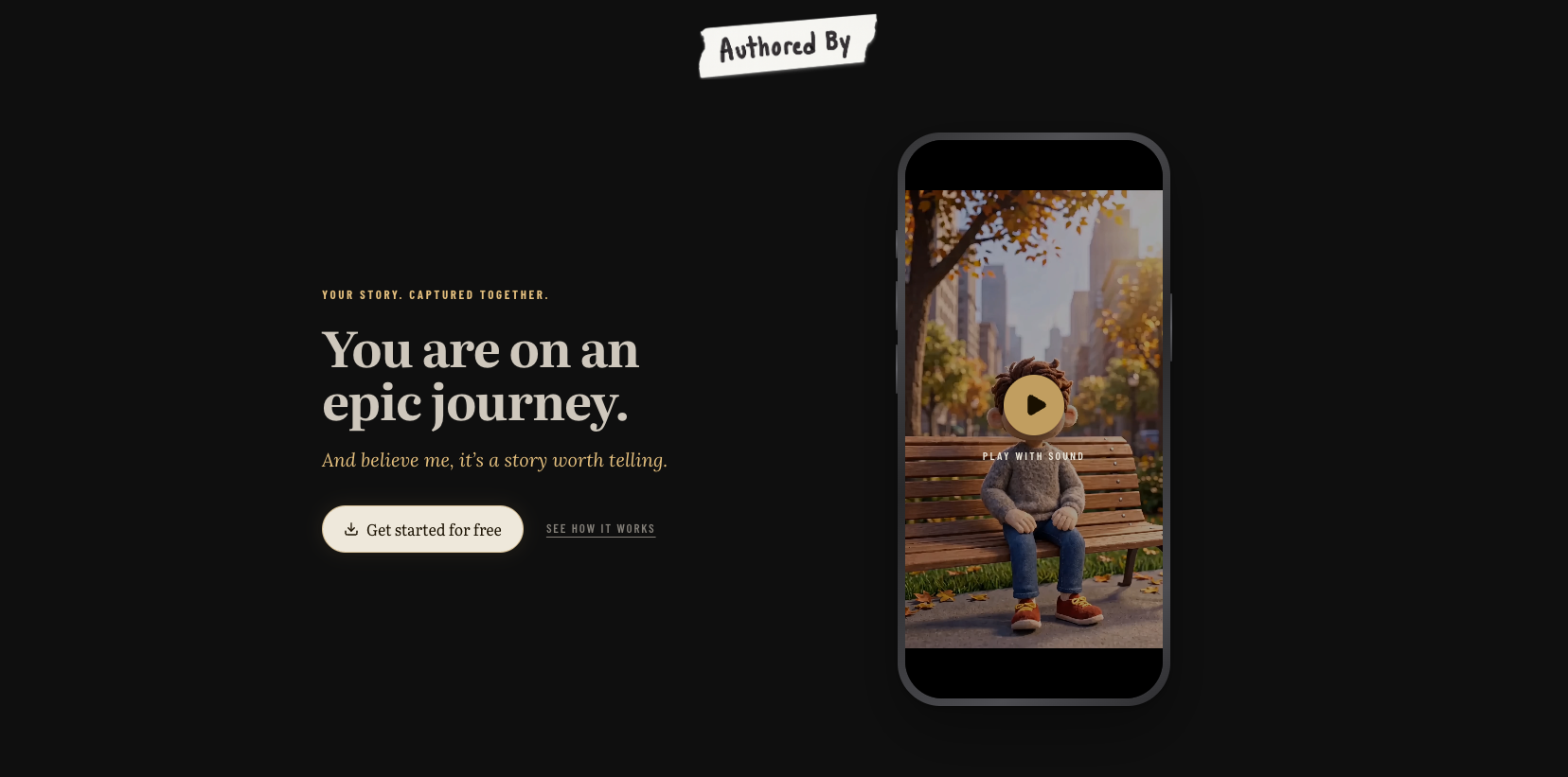
Here is the process I've found works best for me at the moment:
- Create a script for the clip using an AI chat model. Right now, I find Claude Opus does a great job at this. Make sure the script is timestamped with specific instruction at each second mark.
- leveraging the character model sheets we talked about last post. This gives the video model references of every angle of your character. If your character turns its head, changes direction, etc, our character model sheet will help the video model render consistent footage of our character.
- providing up to 50 quality reference photos. Seedance 2.5 allows for a ton of reference images. Pair the reference photos up with the timestamped script to help the video model stitch your scenes together.
- uploading an audio file (more on audio generation in our next post) containing the sound I want synced up to the timing references in the script
When I follow these guidelines, the output will most will be useable more times than its not. There is some magic involved but the user is taking alot of creative direction responsibilities here. You've carefully thought out your story, written a script, created referenced characters model sheets, created reference scene images, generated accompanying audio files, and tastefully woven them all together. These are necessary steps to achieve the control you likely want in the content you create.
Overall, generative video tools still have a long way to go before they become mainstream utilities for the average user but for those ready to take the plunge, hopefully this post is enough to help you get started with confidence. If you have video needs of your own and want to partner with Small Machines AI, give us a shout anytime.